

Introduction
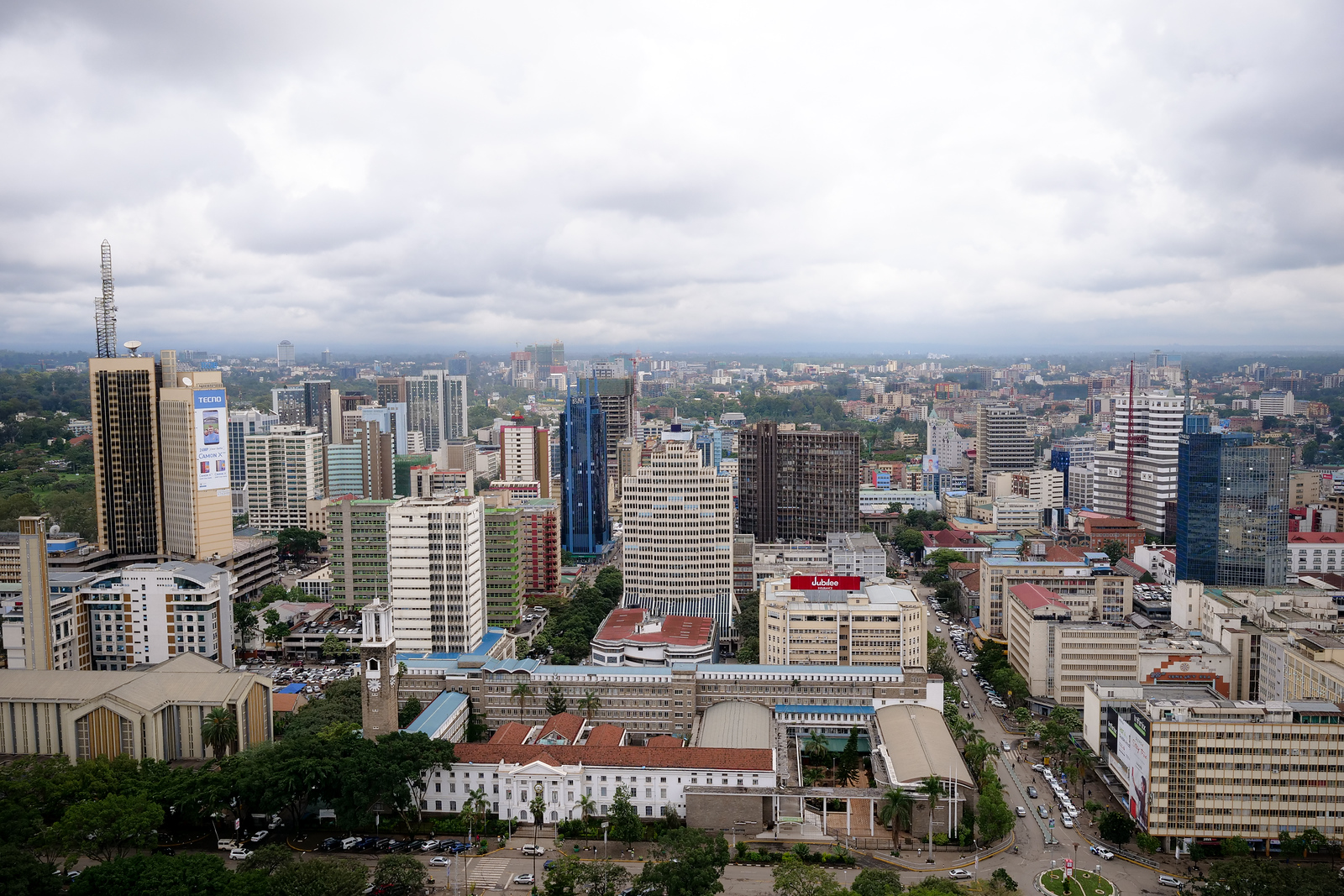
Nairobi, Kenya, holds a special place in my heart because I lived in Nairobi for about 8 years growing up. What’s amazing to me is how the city has rapidly changed and is continually progressing and developing.
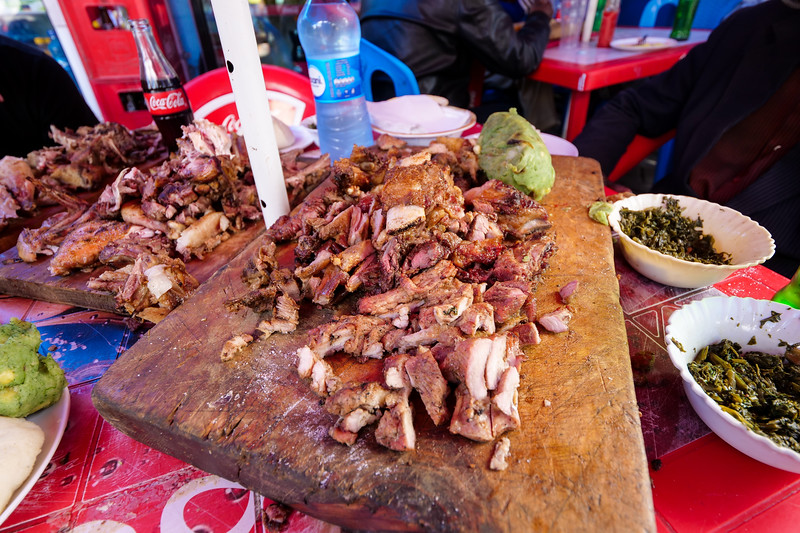
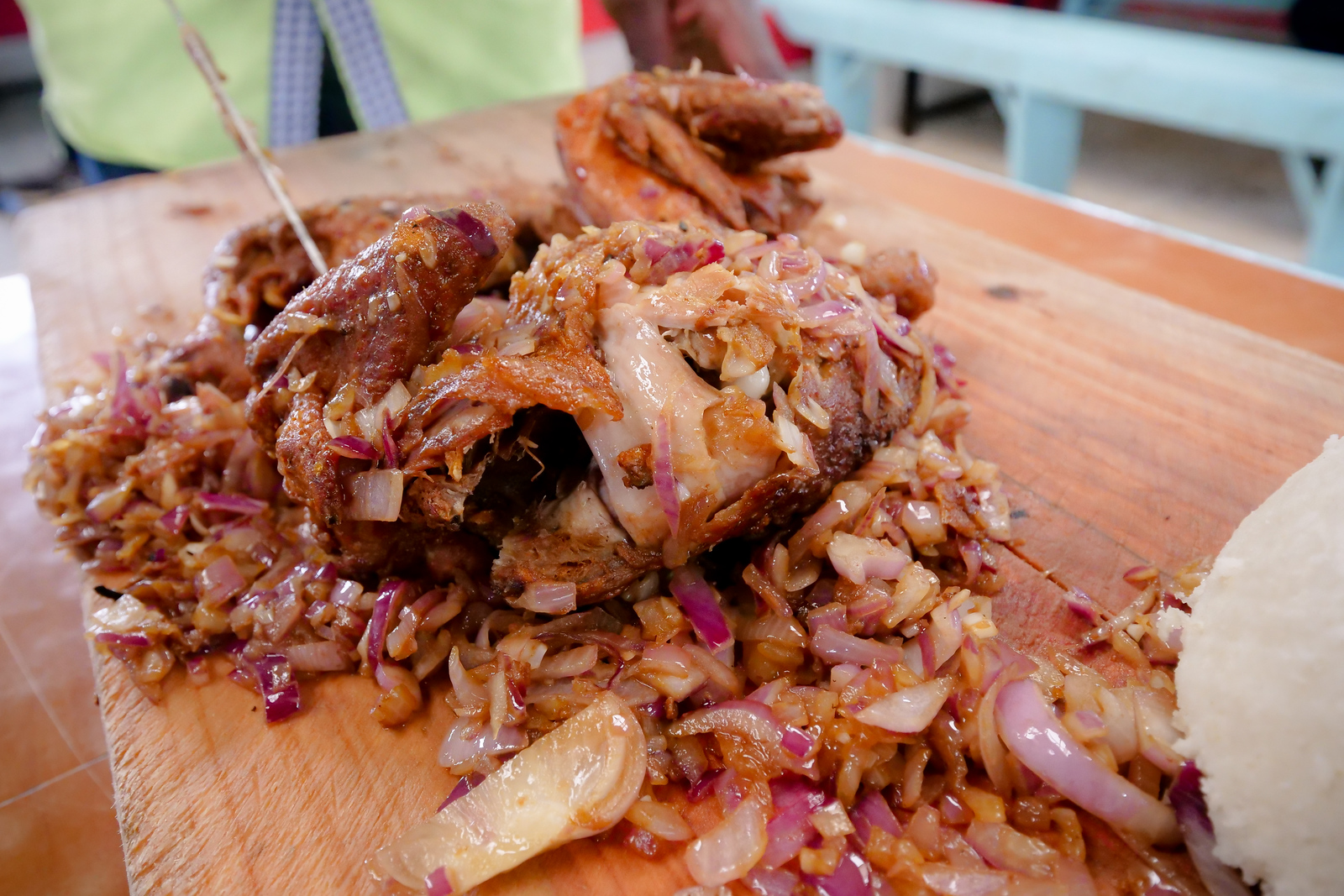
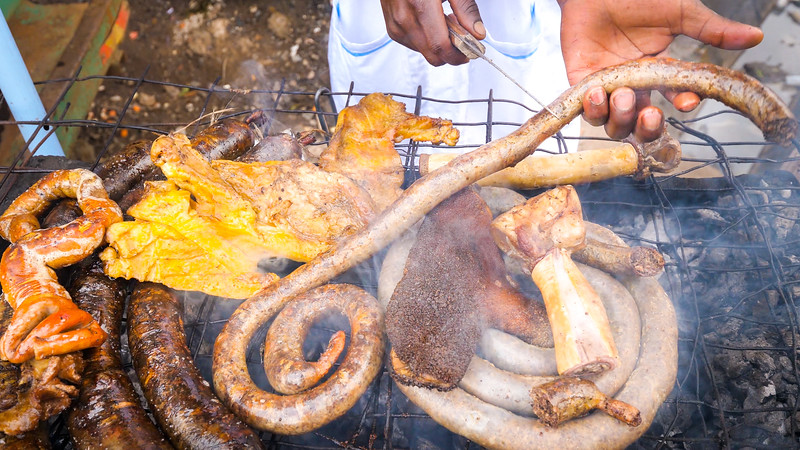
One of my personal favorite things to do in Nairobi is just stop at a local hole in the wall restaurant to eat grilled goat meat (mbuzi choma) and kachumbari (mix of tomatoes and onions).
This Nairobi travel guide is not a huge or exhaustive list of places to go, but it’s just a few of my personal recommendations for things to do, where to stay, and how to make the best of your trip to Nairobi, Kenya.
T-shirts available in the store now!
Quick tips
Places I ate
Mama Oliech Restaurant
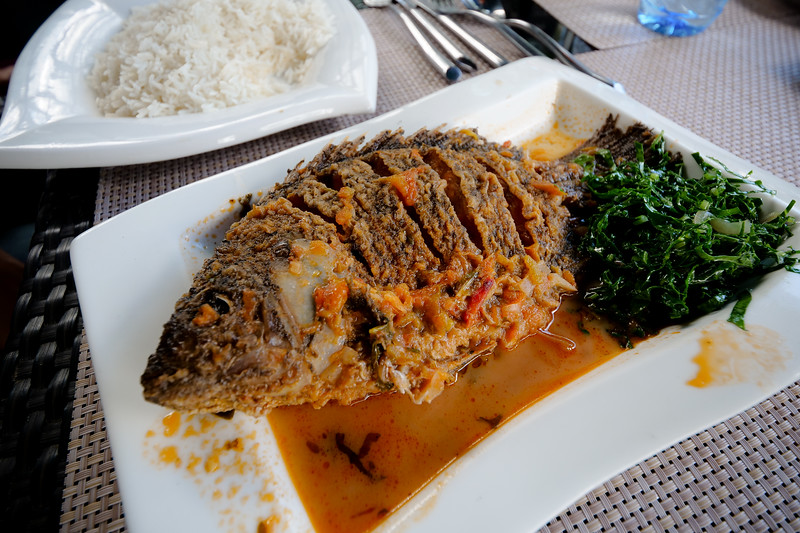
This is the spot in Nairobi for good quality fried tilapia and other Kenyan food specialties.
Kenyatta Market
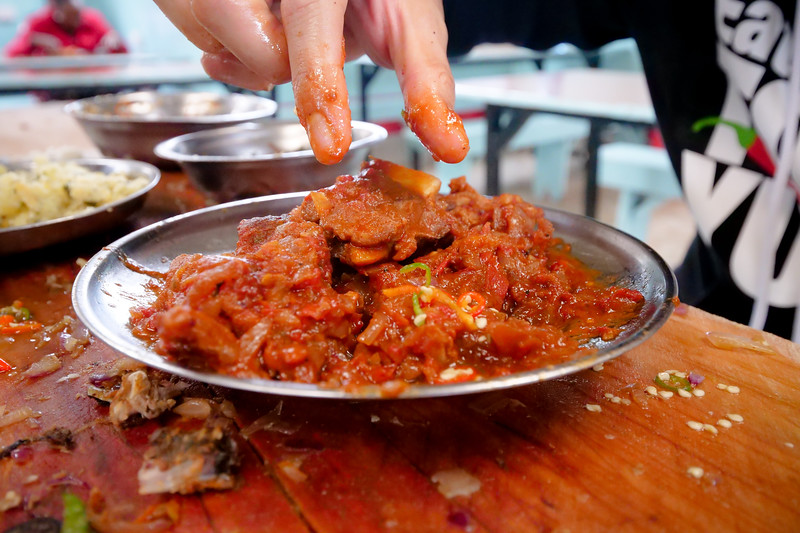
Grilled meat, nyama choma paradise, and always a Nairobi adventure to go with it.
Hashmi Barbecue
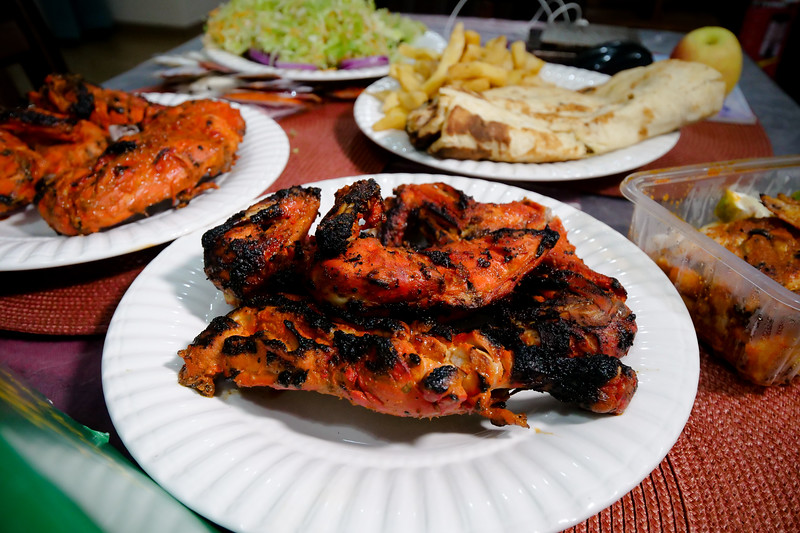
I’ve been eating here since I was a kid, their spring chicken tikka is life-changingly good.
Where I stayed
Airbnb Apartment (Top Choice)
I stayed in an Airbnb apartment in the Kilimani neighborhood of Nairobi (an area I recommend).
Golden Tulip Hotel
Great location in Westlands, and a modern, clean, and safe hotel to stay at.
Crowne Plaza Nairobi Airport
It’s a little pricey, but very convenient if you need to catch a flight the next day.
Things I did
KICC Helicopter Pad
Take the elevator to the top of the iconic KICC building for an amazing 360 degree view of Nairobi.
David Sheldrick Elephant Orphanage
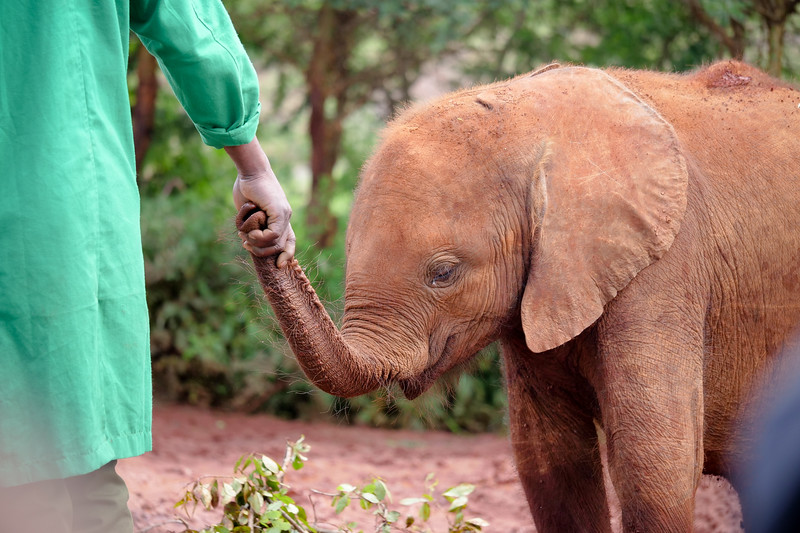
It’s one of the top tourist attractions in Nairobi, but it’s worth visiting to see the baby elephants.
The Maasai Market
Great market in Nairobi to buy handmade arts and crafts, especially Maasai jewelry.
Food overview
One of the things you’ll notice quite quickly when eating in Nairobi are the mix cultures that contribute to creating the unique food culture of Kenya. On the coast of Kenya, like in Mombasa you’ll find a huge variety of seafood and Arabian and Indian influences to create the Swahili food culture. In Nairobi, you find less seafood, more meat (and lots of meat), and a prevalent influence of Indian food culture.
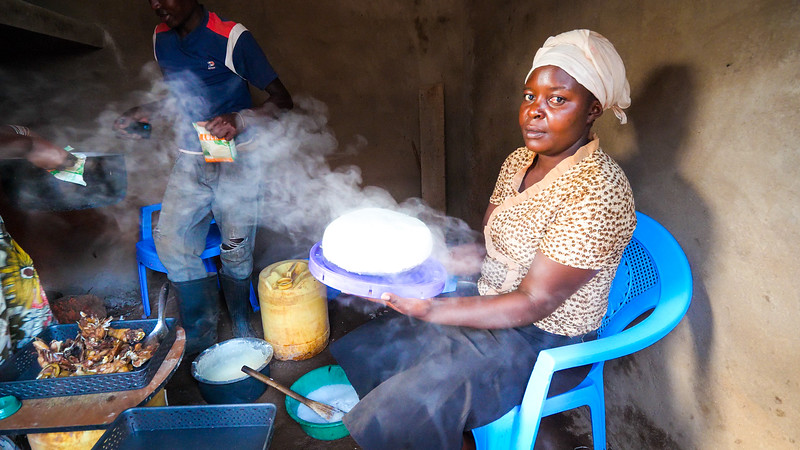
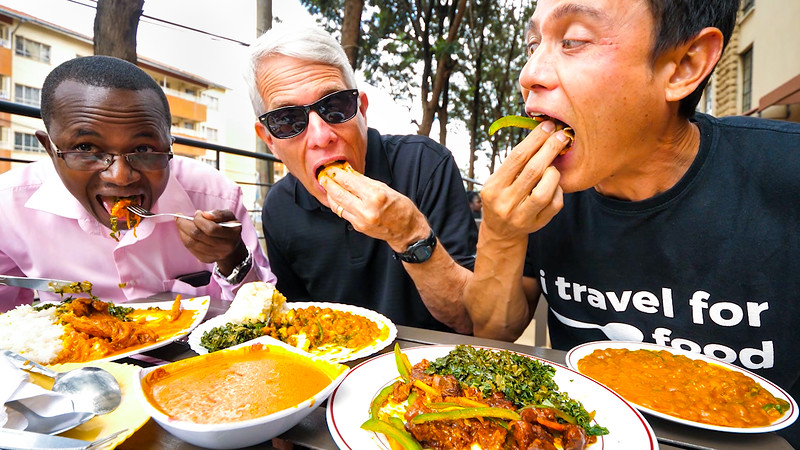
In Nairobi, local Kenyan food often includes ugali (the Kenyan staple of maize meal), sukuma wiki (vegetable similar to collard greens), and often a type of meat stew or wet fry. Chapatis, beans, mung beans, maize, and kachumbari are also delicious additions to any Kenyan meal.
One of the great things about eating in Nairobi is that it’s such an international city. You’ll find gourmet restaurants serving nearly everything from Italian pasta to Japanese sushi.
Restaurants & street food
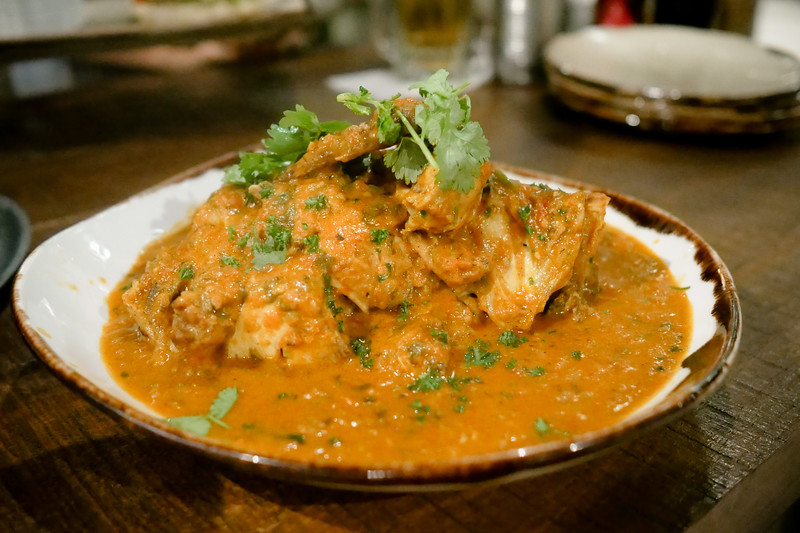
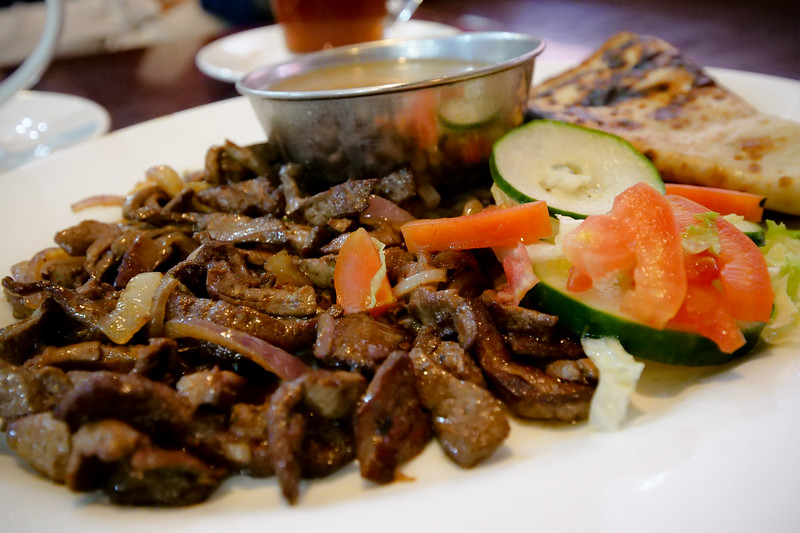
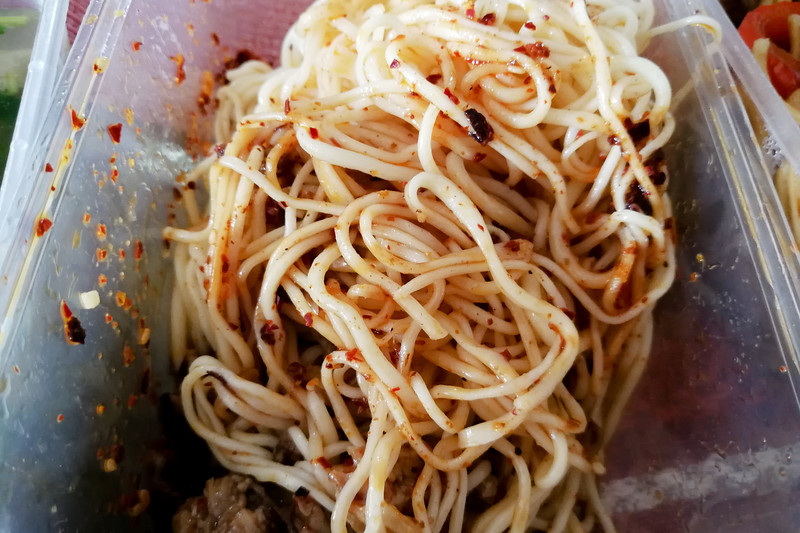
In this Nairobi travel guide, I’ve listed a few of the best restaurants and street food stalls I tried during my latest trip to Nairobi.

Things to do
There’s not many major capital cities (maybe Nairobi is the only?) where there’s an adjacent game park, teeming with lions, next to the city. Nairobi is a special place. You’ll find an abundance of wildlife options, a handful of pretty decent museums, and all sorts of delicious food.
I didn’t include many things on this list because this Nairobi travel guide is mainly just my top recommendations, and things I’ve actually done personally.
KICC Helicopter Pad
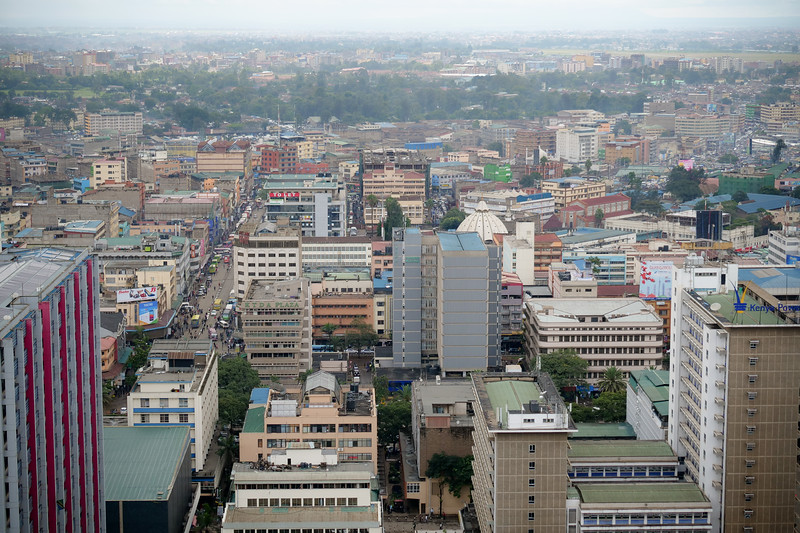
KICC or the Kenyatta International Convention Centre, is one of the most unique and historical skyrise buildings in downtown Nairobi. The reason visiting KICC is one of the best things to do in Nairobi is because you can pay just 500 KES to go to the top helipad where you’ll have one of the greatest 360 degree views of Nairobi.

Kenya National Archives
If you’re interested in Kenya’s history, the National Archives in downtown Nairobi is worth visiting. You’ll find a good collection of precious artifacts from Kenya, as well as items that were of importance through its history.
How to get around
Traffic in Nairobi is nothing short of horrible at times – and most of the time. The problem is that so many vehicles were purchased, yet the infrastructure and road networks couldn’t and can’t keep up with the amount of vehicles on the roads. So no matter what mode of transportation you take, always give yourself lots of time to get anywhere.
Uber – One of the revolutions of transportation in Nairobi is Uber, making it easy and convenient to order a ride to get anywhere in the city, and with knowing how much it will cost. On my latest trip to Nairobi, I pretty much only used Uber. You can also check out Taxify, which is very similar.
Matatu – The minibus public transportation is one of the most affordable ways to get around, but it can be a little complicated to figure out the routes. But matatus are always worth taking a few times just to experience the minibus culture of Nairobi.
Arriving & leaving
Jomo Kenyatta International Airport is the main gateway to Nairobi, and a major travel hub of Africa. With recent upgrades and developments, the airport is decent, and security is always tight.
The airport is about 15 km from the center of downtown Nairobi, and traffic can be pretty horrible in Nairobi at times. Give yourself 1 – 2 hours to to to or from the airport. I typically take Uber as you know your rate.
Videos
Check out my entire video series from Nairobi on this playlist YouTube channel. You’ll also find some videos from Mombasa and Lamu on that playlist.
I film all my videos using a LUMIX GH5 camera with this lens.
A few extra tips
Visa for Kenya – Getting a visa for Kenya has never been so easy, now that they have an official evisa system. On my last trip to Kenya, I signed up for an account, added in my info and paid (single entry $51), and I received my visa in a couple days. I just had my evisa approval on my phone to show immigration when I landed in Nairobi, and no problems.
Travel Credit Card – (this is mainly for USA citizens) – For my travels, I almost always use the Chase Reserve credit card. I really like it because it offers no foreign transaction fees and nice benefits, like airport lounges.
Travel Insurance – Since I’m living as an expat now, I have a different more long term overseas insurance. But if you’re traveling short term, insurance is important. I recommend World Nomads for their incredible service, and great plans.
Final notes
Nairobi is a major city in Kenya and a hub of culture, food, and art in Africa. I hope this Nairobi travel guide has given you some useful tips and information about your trip to Nairobi, and especially some great suggestions for restaurants and food to eat. Whatever you do when you’re in Nairobi, don’t miss a few nyama choma feasts!
T-shirts and caps are available in the store now.